-Add/Delete and Change config automtically
-Automatic Name Change on Phone
-API to provisioning via ServiceNow
-Multitenant supported
-Kubernetis HA Cluster
-Enduser Portal
-Resolve/Block Calls
-MetaDirectory
EasyUC for Cisco UC
01
Manage your Cisco UC Infrastructure
as Easy as possible
With EasyUC für Cisco UC you can manage your Cisco UC Infrastructure as easy as possible. Daily tasks like configure a new employee with IP Phone, Jabber/Webex for Windows, iPhone and Android takes up to 10 minutes. With EasyUC the UC admin or the 1st Level Helpdesk can finish taks like this in maximum 1 minute.
EasyUC Modules
Three Modules
Provisioning,CURRI, Enduser
The EasyUC Main and base Module is the Provisioning Module. Additional Modules are CURRI and Enduser Portal.
Manually Setup
If you want to do configurations like adding IP Phones, adding Softphones, change Names or delete Users and Phones, you can do this manually in EasyUC and save 80-90% time.
Automatically Setup
If you want to have a base setup for endusers with Softphones, automatically Name changes and auto delete Phones then you can setup EasyUC to save 100% time for tasks like this.
Automatically Setup
Automate your UC Cluster
Automate Phone Setup, Automate Name Changes and
automate User/Phone Deletion
WIth EasyUC you can automate the creation of Users/Devices, Name changes of Users and Deletion of Users/Phones
Automatically Setup
With EasyUC you can create the complete User Setup 100% automatically.
-Setup Softphones, Setup IP Phones, Setup Remote Destination, Setup Device Profile, Set Busy Trigger, Create Voicemail, Send Email after Setup
Auto Name Changes
If there are name changes in LDAP and the lastname of an enduser changes, then normally with CUCM, nothing happens. With EasyUC Name Changes, EasyUC will change the Display Name of the affected user on all of his phones.
Auto Delete User Configs
If Enduser disappear from CUCM cause he is removed from LDAP, then EasyUC can delete all of his configurations. All Softphones, Voicemail and Directory Number will be deleted by EasyUC.
Connect EasyUC with external Applications like ServiceNow
Connect to External Applications
like ServiceNow
You use ServiceNow or any other tool like it and want to use it to create and delete phones in CUCM, EasyUC could be your middleware to create and delete phones, directory number and voicemail
PublicAPI
With the Public API from EasyUC you can send a simple Request with all Options your user should get. When EasyUC processed this request, we send back a message if setup was successful, which phone number was assigned to the User (if no number was send in request, EasyUC can find a free one) and what kind of devices. We also can send a mail automatically to the Enduser which was configured.
Example: Customer has 10K Users, 5 Clusters all over the world, each Cluster has all 10K Users.
In a Tool like ServiceNOW for Example its known which user belongs to which Location/Country. In the Request sent to EasyUC, the information about Location is sent.
With EasyUC API we are able to define based on the location information in the request, to which UC Cluster the User belongs. Now we are able to do the Setup in the correct Cluster. Since we know the correct Cluster, we can setup all Devices, Phone Number etc. based on the informations in the request.
Numberplan
Manage your Numberplan
With Cisco UC its not that visable which Numbers from your Number Ranges are already used, maybe by directory Numbers or Translation/Route Patterns. because of that we have developed a Numberplan which will be build automatically from CUCM config.
With this you see which Numbers are already used by Directory Numbers or Translation/Route Patterns and always find a free number which you can use.
Numberplan
With our Numberplan we want to deliver a easy overview about your number ranges.
You want to see which numbers are free or already used? Just filter for it and always get the best result for it. Even if a Number is not used already in CUCM but its saved in an Enduser, we will mark this Number as already used.
We also scan for Route/Translation Patterns to avoid marking a number as free, although the number is already used by a Pattern.
For customers which use another PBX next to Cisco CUCM, we have the Option to import a numberplan from another PBX via CSV file.
Keep your Cluster clean
With EasyUC you can keep your Cluster clean. Endusers which disappear from CUCM normally lead to dead softphones/phones. To avoid this we have features which cleanup your CUCM.
Auto Delete Phones
If a user disappeared via LDAP Sync, EasyUC can recognize this and delete all config for this User, all Phones, Single Number Reach and Voicemail config will be deleted automatically.
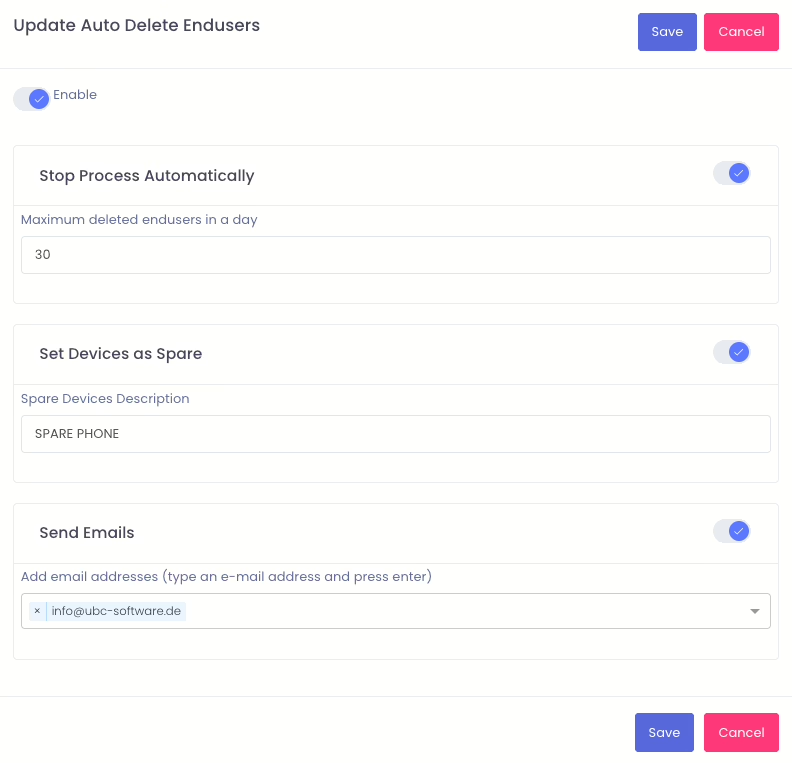
To avoid delete all phones of your Cluster if LDAP Sync has an issue and all Users are marked as inactive LDAP Users, we have the Option to define how many Users can be deleted per Job. If number of Users which disappeared is higher than the value which was defined, EasyUC will do nothing.
Softphone Report
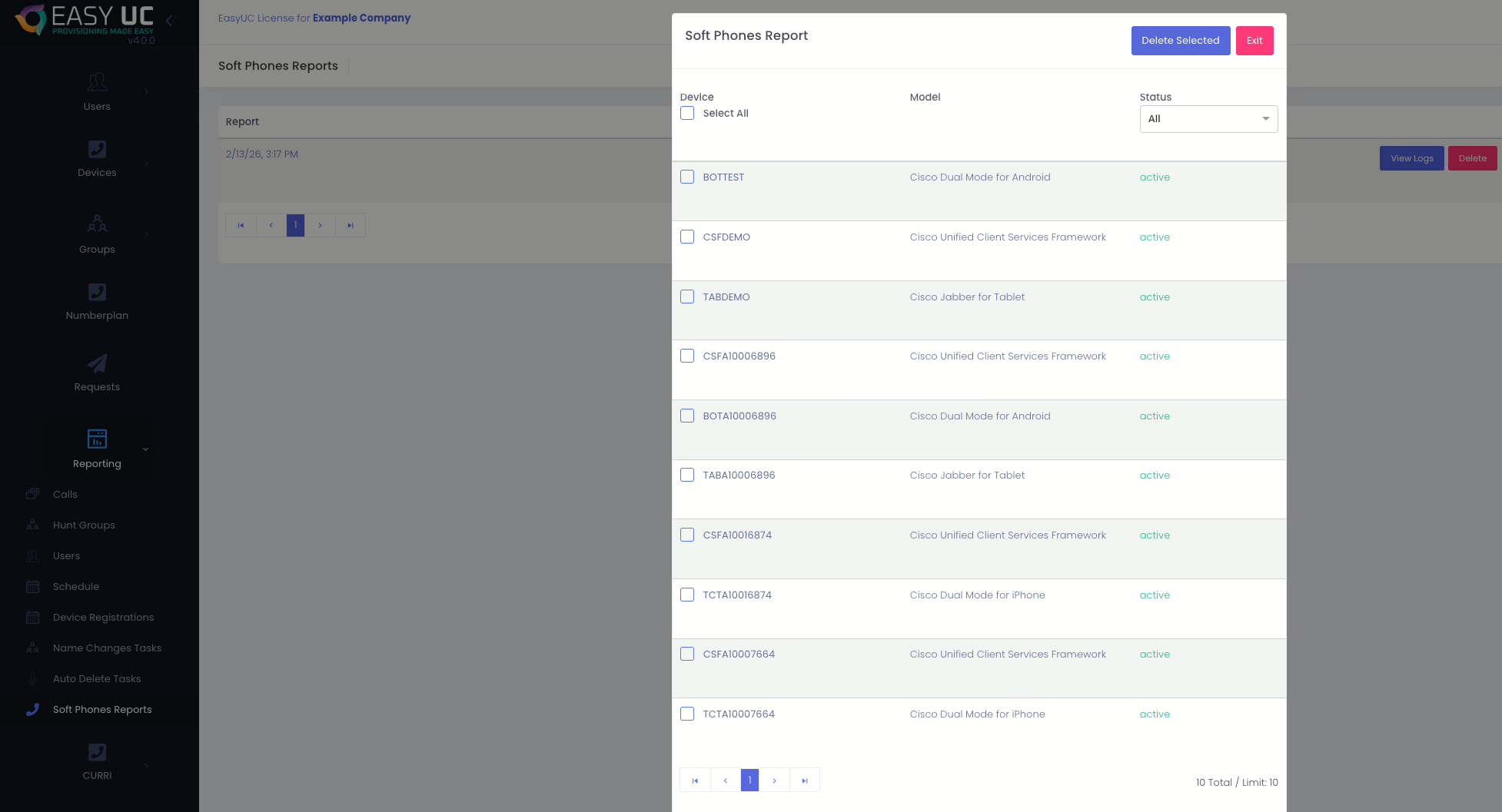
If you dont want to use the auto Delete Feature, we have a manual feature to find all Softphones which dont have any user assigned. The Report show you all Softphones which dont have a connected user and can be deleted.
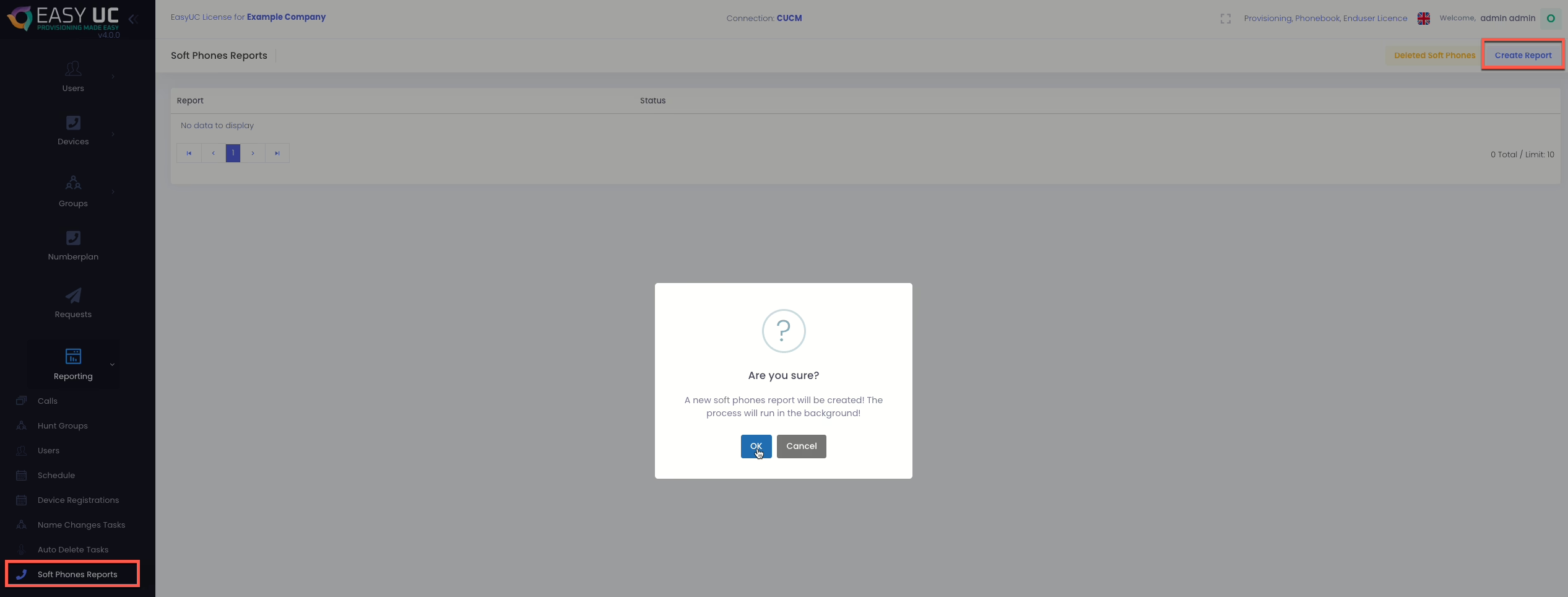
After Softphone Report is started you will see this
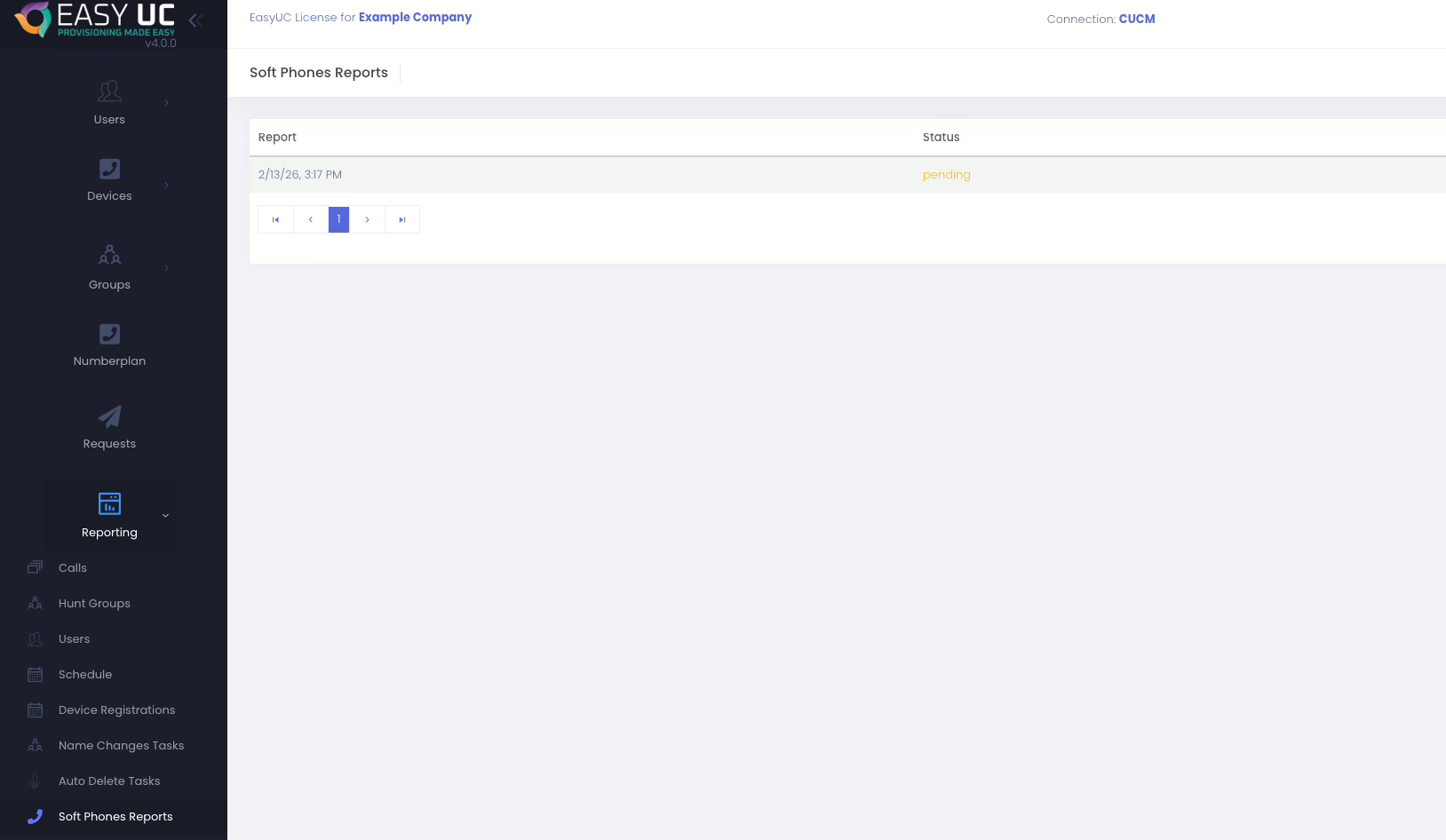
After Softphone Report is started you will see this